What’s on record
“About €680”
While you’re here, can you just level the rear patio?10:22
No bother — about €680 plus VAT.10:23
Yeah, go ahead.10:24
Three weeks later
€771? You said €680.18:41
We use optional marketing cookies to see which ads work.
Job extras approval for trades
“While you're here, could you…?” Price the extra on your phone, send it on WhatsApp, and your customer approves it in seconds — no app, no account. Their yes is saved to the job before you pick up the tools.
“…extra €400 on one job.” John, carpenter
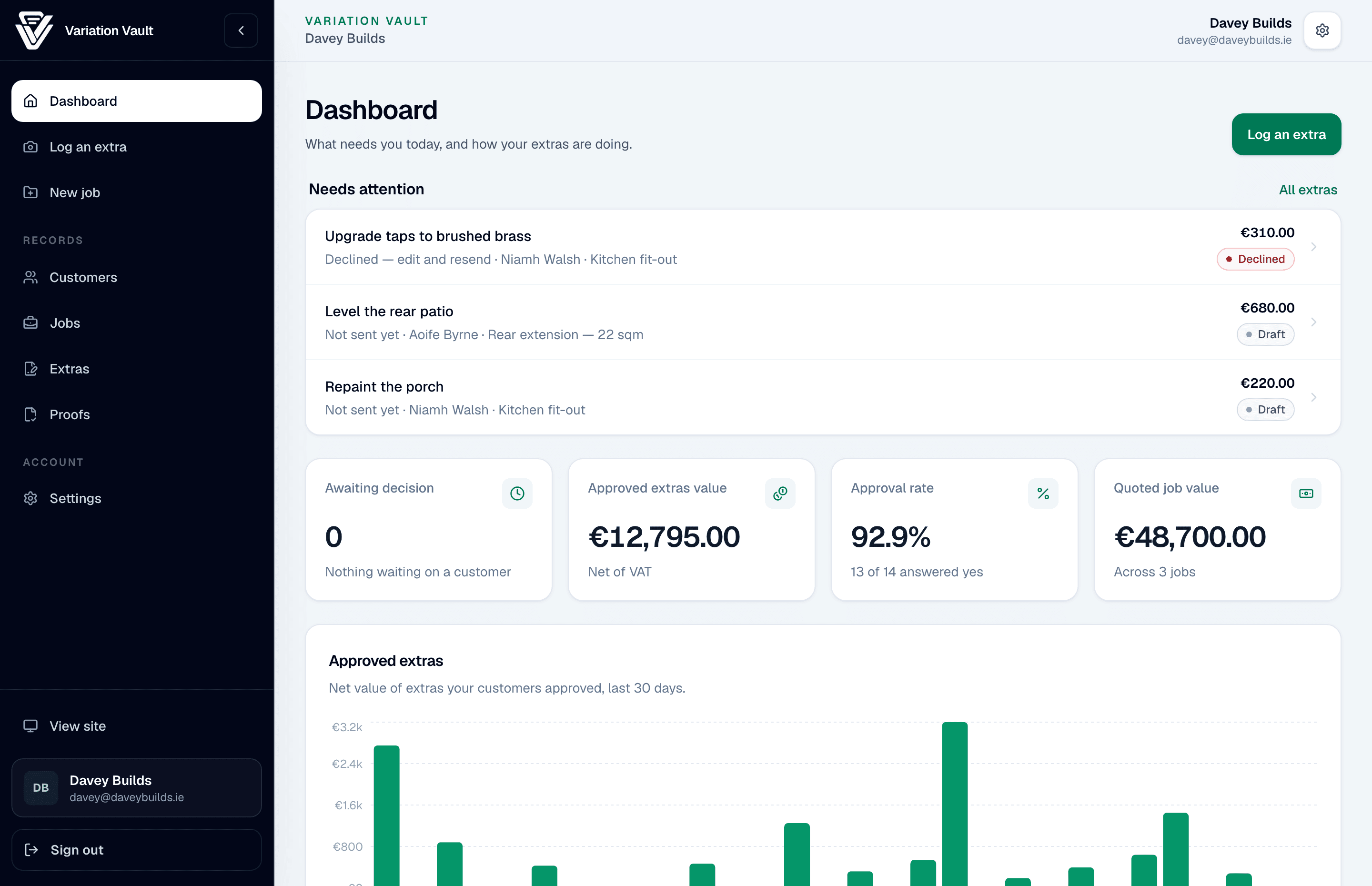
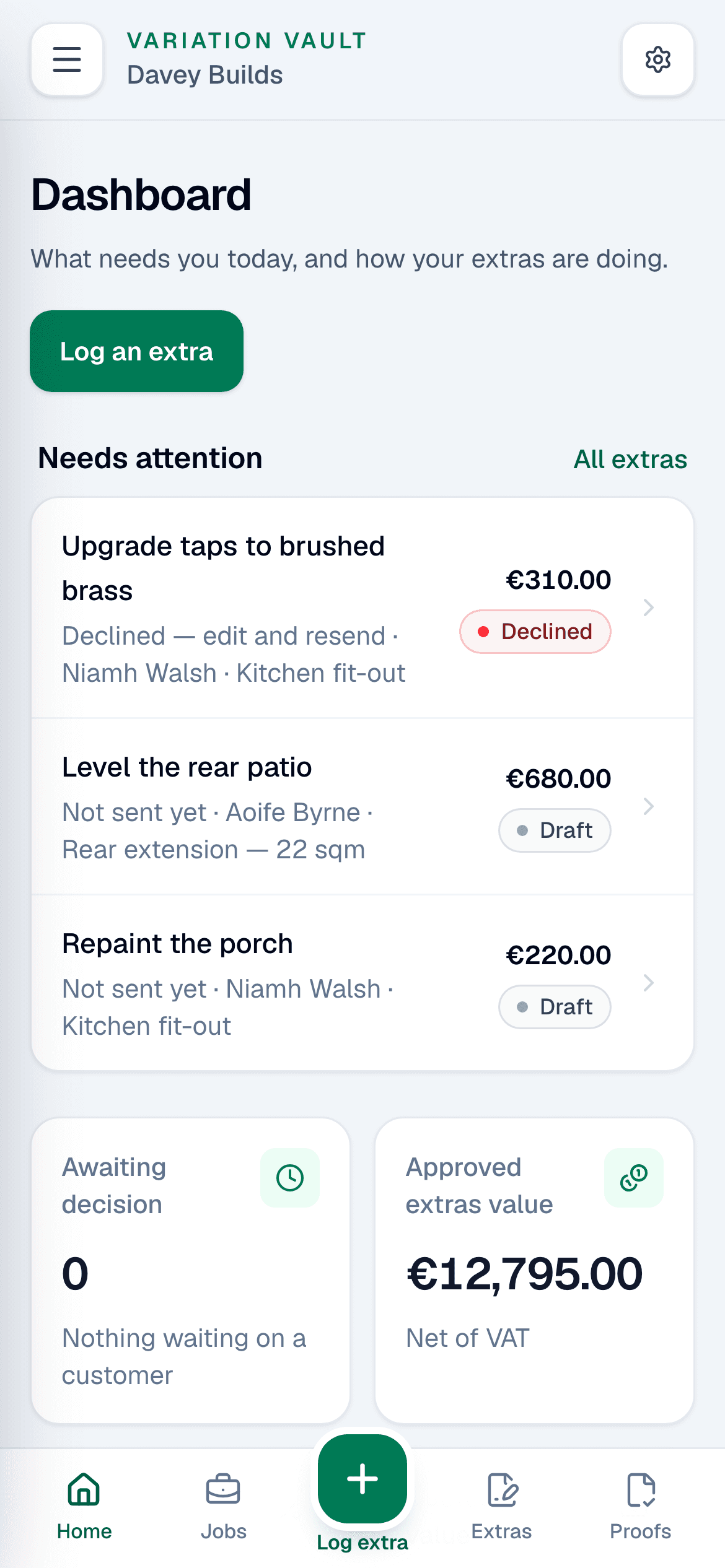
Not ready to trial? Grab the free approval templateThe Variation Vault dashboard, with the extras that need attention, next to the approval page a customer sees on their phone.
Send it the way you already talk to customers
Who it’s for

Small builders

Bathroom fitters

Electricians

Plumbers

Kitchen fitters

Landscapers

Cleaning companies

Moving companies
The problem
You know how it goes. You open up a wall and find a rotten joist, or the customer asks, “While you're here, could you…?” You give a rough price, they say go ahead, and you do the work. Weeks later the final invoice lands, and the number they remember isn't the number on it.
What’s on record
“About €680”
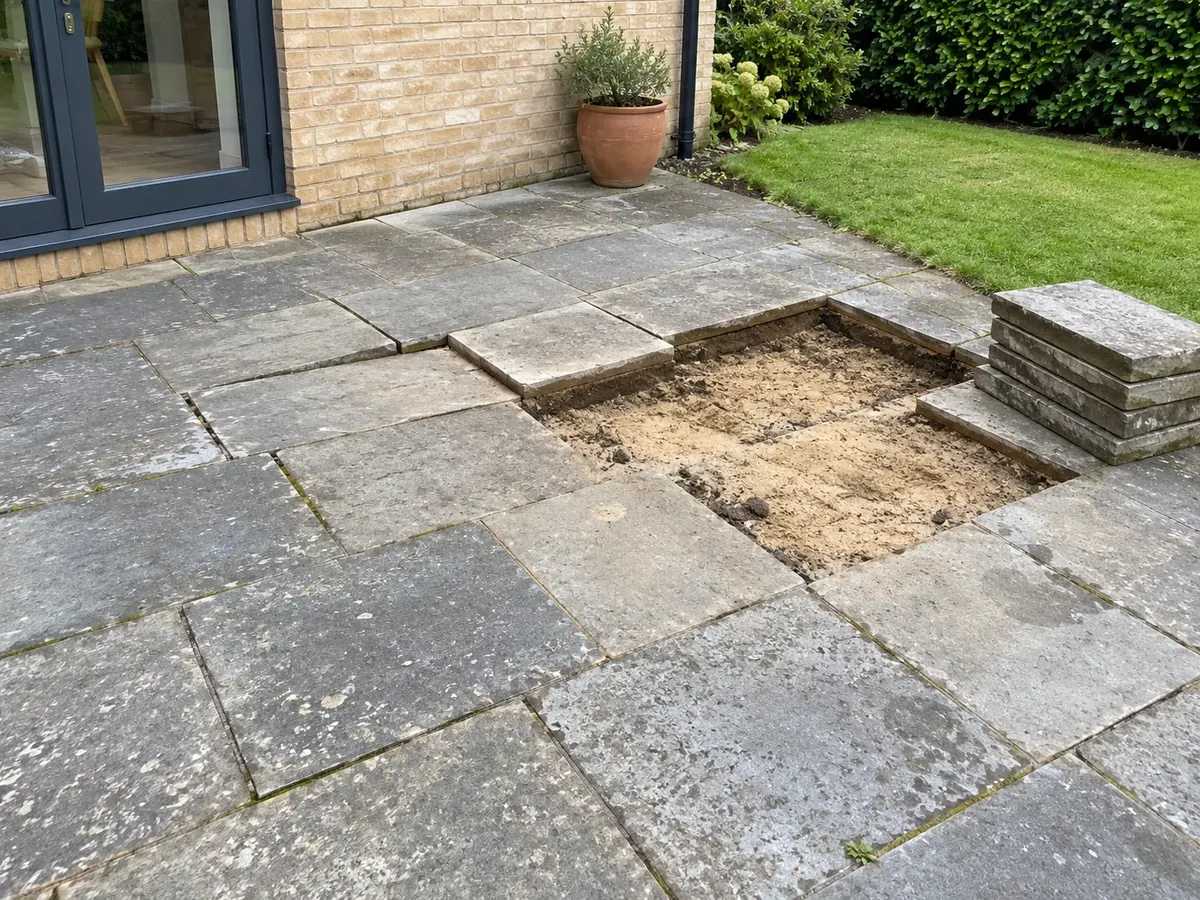
While you’re here, can you just level the rear patio?10:22
No bother — about €680 plus VAT.10:23
Yeah, go ahead.10:24
Three weeks later
€771? You said €680.18:41
What’s on record
€771.80, approved
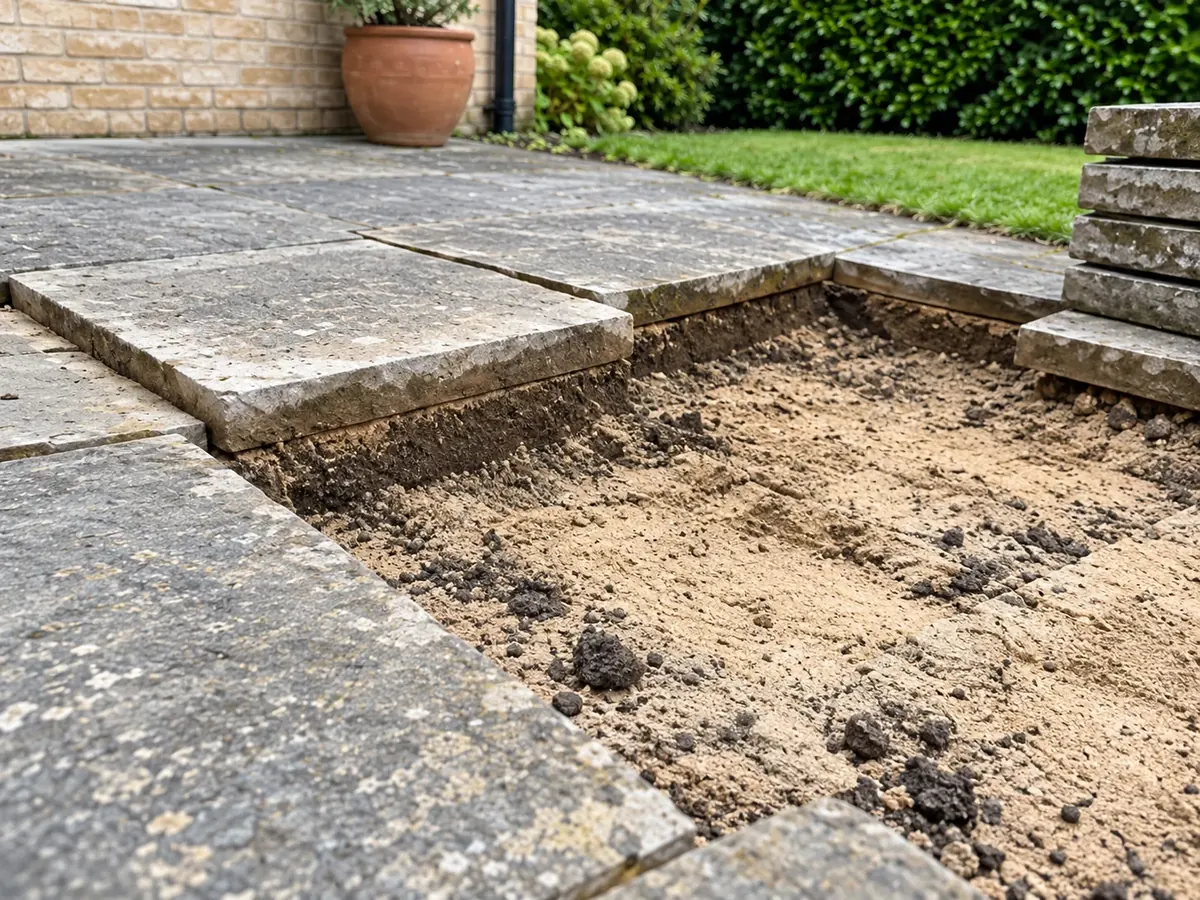
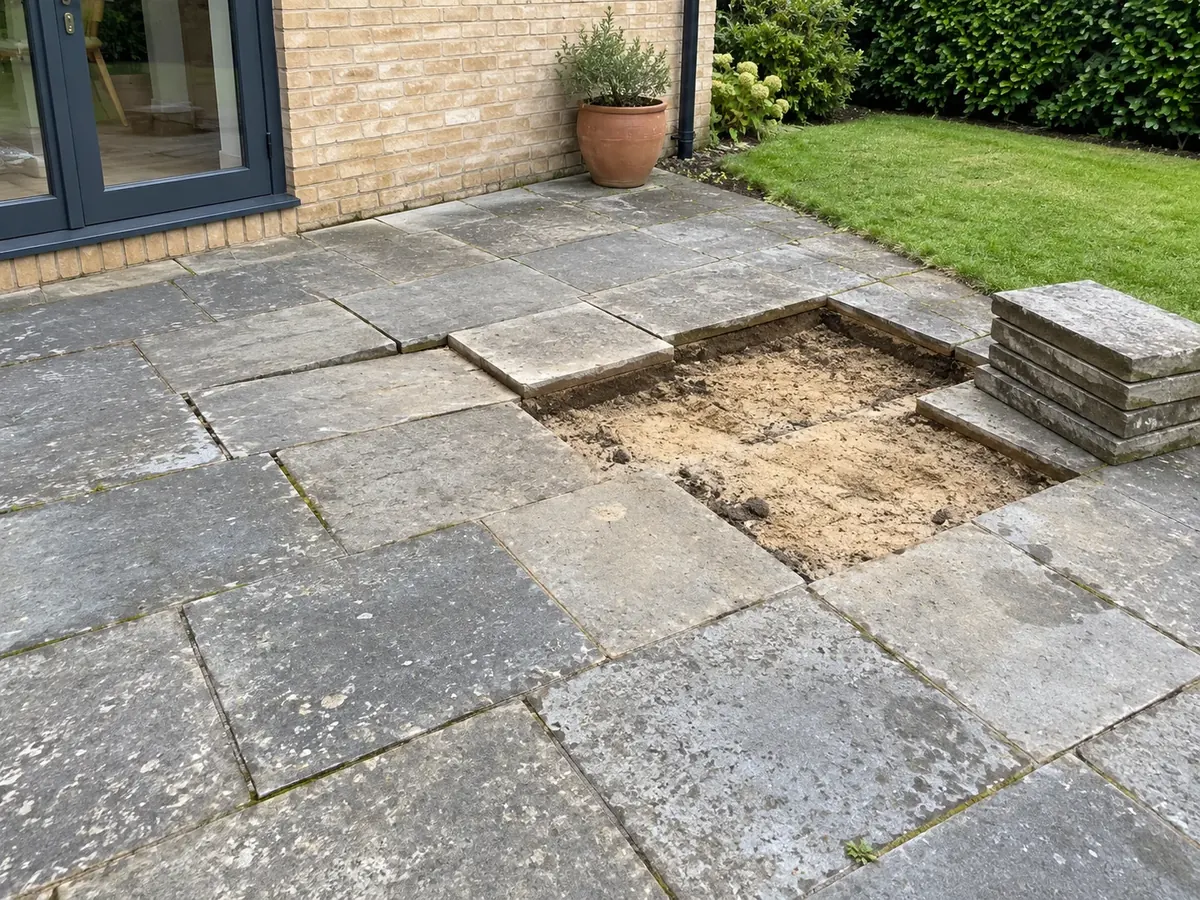
Level the rear patio
Rear extension — 22 sqm · Aoife Byrne
Then it's an awkward choice: knock it off to keep the peace, or have a money conversation with someone whose house you're still working in.
Variation Vault sorts it the minute the extra comes up. The exact price, the photos and their yes are saved before you start, so your final invoice only has what they've already agreed to.
One €400 extra covers 20 months of Variation Vault — or three years on the yearly plan.
How it works
Step 1
Pick the job, snap a photo, type the price. VAT and the total work themselves out, all on one screen on your phone.
Step 2
Send the link by WhatsApp, text or email. They see the work, the photos and the price in their browser, type their name and approve. No app, no account, no password — it feels like a confirmation, not a confrontation.
Step 3
Their name, the date and the time are saved with the job. When the final invoice goes out, every extra on it is one they've already approved — and if anyone asks, the proof pack PDF shows exactly what was agreed.
Simplified from the real screens. For the real thing, watch the unedited tour or open the live sample.
What you see is what you get: the real app, real clicks, no edits — recorded straight from the screens you'll use.
See what your customer seesRecorded from the real app on demo data. Silent — nothing to listen to.
Features
Small enough to use on a wet Tuesday, complete enough to invoice from. No scheduling, no CRM, no invoicing to learn — keep using whatever you already use for those.
6
Photos per extra
Up to six photos on every extra, taken while you’re standing in front of the work — not lost in a camera roll of 4,000.
€ £ $
Materials · labour · VAT
Materials, labour and VAT split out, so they see exactly what they’re paying for. Euro, sterling or dollars.
3
Ways to send
Send the link by WhatsApp, text or email. It opens in any browser — nothing for them to install.
19:12
Name, date and time
Their name and the exact date and time, saved with the job. You’re told the moment they answer.
1PDF
Proof pack
A proof pack PDF with your logo, the photos, the price and the approval — for your records, your accountant, or the customer if they ask.
1link
Live per extra
Every resend makes a fresh link and switches the old one off, so your customer can only ever approve the latest version.
Scope
Signed off first
Get the original quote signed off the same way, so the final invoice is the agreed quote plus the extras they've approved.
1screen
Every extra, every status
Approved, waiting or declined — plus your approval rate — on one screen.
Your other tools
Keep it. Variation Vault doesn't replace anything — it covers the one moment your other tools don't: getting the extra agreed before you do it.
Keep it for the chat, and send the link through it. A chat can't keep the extra, the exact price with VAT, the photos and their answer together on the job. This does, and turns them into one PDF when you need it.
Invoices come after the work. This is the step before: getting each extra and its price agreed while you're still standing in front of it, so the final invoice has no surprises.
Those tools cover a much bigger job — scheduling, quoting, teams, invoicing. This deliberately doesn't. Keep them, and use this for the one moment extra work needs a written yes.
Customers
The easiest work you'll win is on the job you're already on.
An extra €400 on one job
“I was in doing a fit-out when the owner asked for new wardrobes and presses on top. Raised the extra in Variation Vault, sent it over, got the yes. Easy.”
€240 extra on a first residential job
“Booked in for window cleaning, but on site I spotted the gutters were in bad shape. Raised the extra using Variation Vault — customer approved it in 5 minutes.”
Hedge trimming, upsold on site
“Was already on site doing the usual. Spotted the bushes needed doing, sent the approval, got it signed off there and then.”

“I didn’t build another CRM. I built one tool for one moment: the extra, the price, the photos and the customer’s yes, together before the work gets done.”
Cozmin Fatul, founder.I still build the product myself — if something gets in your way, tell me directly. I read every message.
Read why I built Variation VaultPricing
After your 7-day trial, it's €19.99/month or €129/year. Checkout is handled securely by Stripe.
€19.99/month
For trades who want to stay flexible.
7-day free trial · No card to start · Add a card on day 7 to keep going · Cancel anytime
Your free trial starts as soon as you sign up — no card needed. Add a card on day 7 to keep going, and manage or cancel your subscription through Stripe. Variation Vault doesn't create invoices or take customer payments. It does the step before the invoice: getting each extra approved in writing.
Grab the free variation approval template — a one-page form you can use on your next job, no app needed.
It gets your customer's written approval on every extra — price, photos, VAT — before you do the work. You send a link, they approve it, and their yes is saved on the job with the time. That's the whole product.
It's any change or extra after the original quote — an extra socket, an upgraded tap, moving a radiator, fixing what the last guy left behind. In the UK and Ireland tradespeople call this a variation; in other markets the exact same thing is known as a change order. Variation Vault is job variation software built around that one job: getting the extra approved in writing before you invoice it. If you've been searching for change order software, this is that — just focused on the approval step, not a whole CRM.
It does the opposite. A clear price with photos, sent before you start, reads as organised and professional — and the customer sees exactly what they're agreeing to. To them it's a confirmation, not a confrontation. Most people are glad not to get a surprise on the final invoice.
A couple of minutes once the job is set up: pick the job, snap a photo, type the price, send the link. You don't need to be at a desk, and you don't need to finish the day's work first.
Exactly what's on the sample approval page linked from this site: your business name, the extra, the photos, the price with VAT, and Approve or Decline buttons. They type their name to answer. What you see there is what they get — no app, no account, no password.
No. The price you see is the price you pay: €19.99 a month or €129 a year for everything in the app. No setup fee, no add-ons, and no charge per extra or per approval link. The 7-day trial is free and needs no card.
No. They get a link by text, WhatsApp or email. It opens in their browser, and they type their name to approve or decline.
Yes — WhatsApp, text or email, whatever you already use with that customer.
No. Sign up and use everything for 7 days. You only add a card on day 7 if you want to keep going.
If it's earning its keep, add a card and carry on — you're charged from that day. If not, walk away. There's nothing to cancel and nothing charged.
No. It doesn't create invoices or take payments. It does the step before: getting every extra agreed in writing.
No app can promise that. What it does is settle the thing extras usually get questioned over: what was actually agreed. A timestamped approval with photos and the exact price makes that clear. It isn't legal advice, and it can't guarantee payment.
No — bathroom fitters, kitchen installers, sparks, plumbers, landscapers, renovation trades, movers, cleaners. If customers ask for extras mid-job, it's for you.
You resend it. Resending makes a fresh link and sends it again, so they're never left holding a dead one — and you can copy that link straight into WhatsApp or a text if email isn't getting through. There's a short wait between sends so nobody gets pestered. Variation Vault doesn't chase for you; it just makes it quick to ask again.
Yes — create the job with the customer, the site and what was quoted, get the quote signed off if you like, then log extras against it as they come up.
The next “while you're here, could you…?” is already on its way. Get it agreed before you start, and send the final invoice without the knot in your stomach.
Start free trialStart free — no card needed · Full 7-day access · Nothing to cancel if it’s not for you